22.17 Add a New Reminder Template. Last updated January 2026. Version 1.0
Add A New Reminder Template
Select Administration from the left hand side menu options
Select Reminder Templates from within the Administration menu.

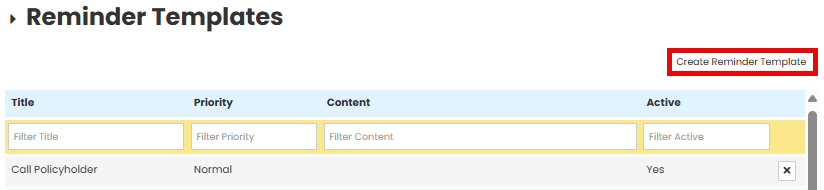
Select Create Reminder Template
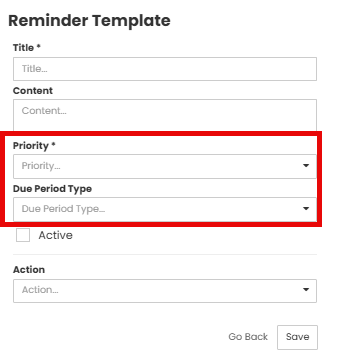
Enter the Title and a description of the new reminder in the text boxes.

Select the Priority and Due Period Type from the drop down menu.
Select Active to enable the Reminder Template.
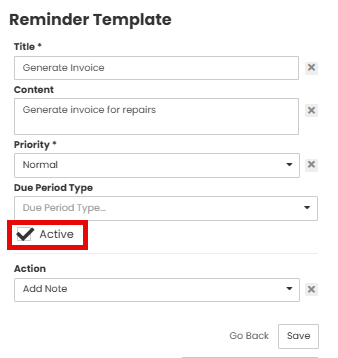
If applicable, link an action required.

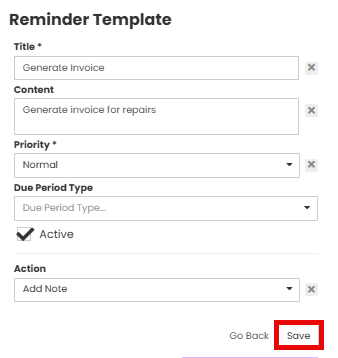
Save changes.
Was this article helpful?
That’s Great!
Thank you for your feedback
Sorry! We couldn't be helpful
Thank you for your feedback
Feedback sent
We appreciate your effort and will try to fix the article